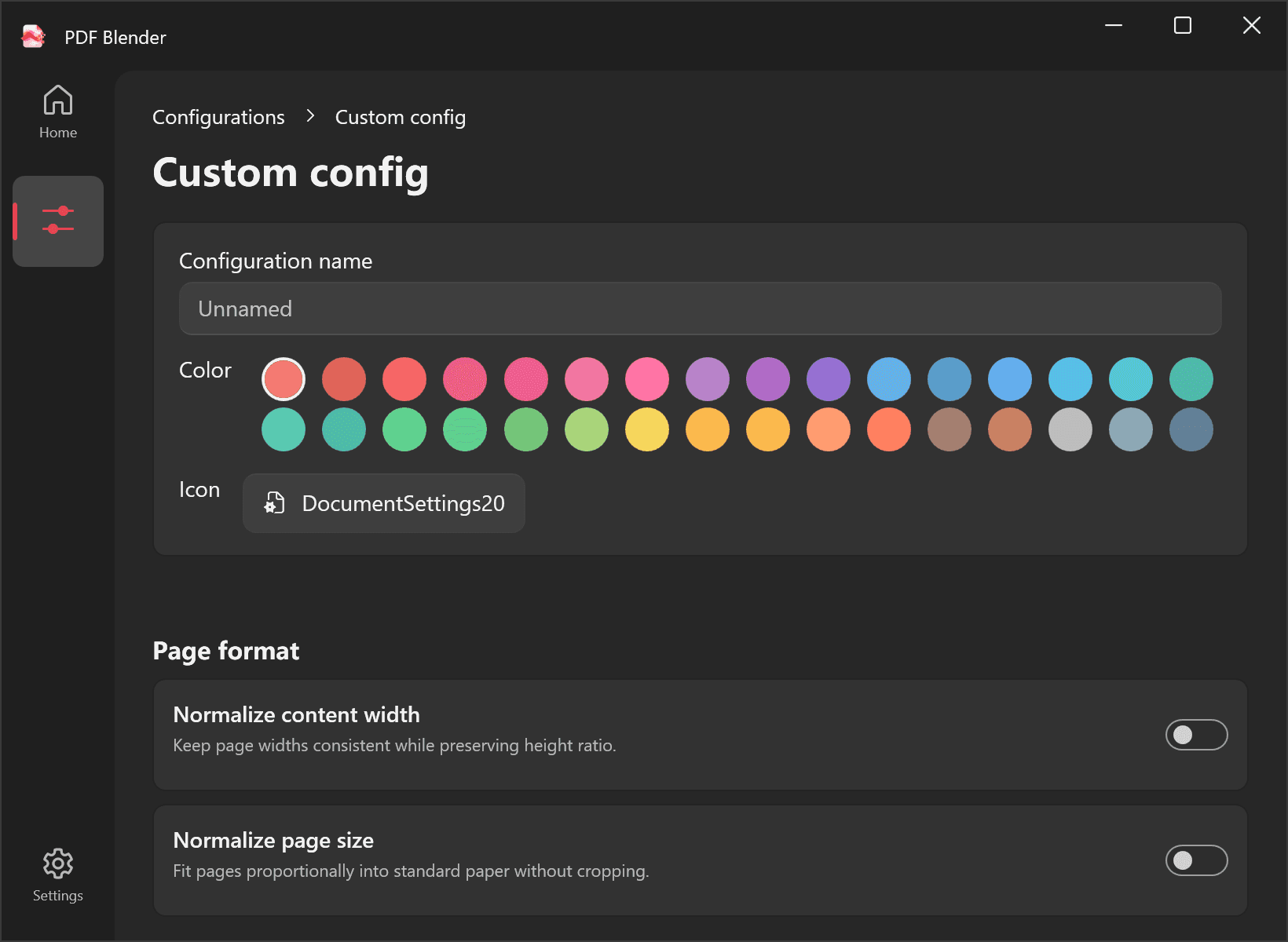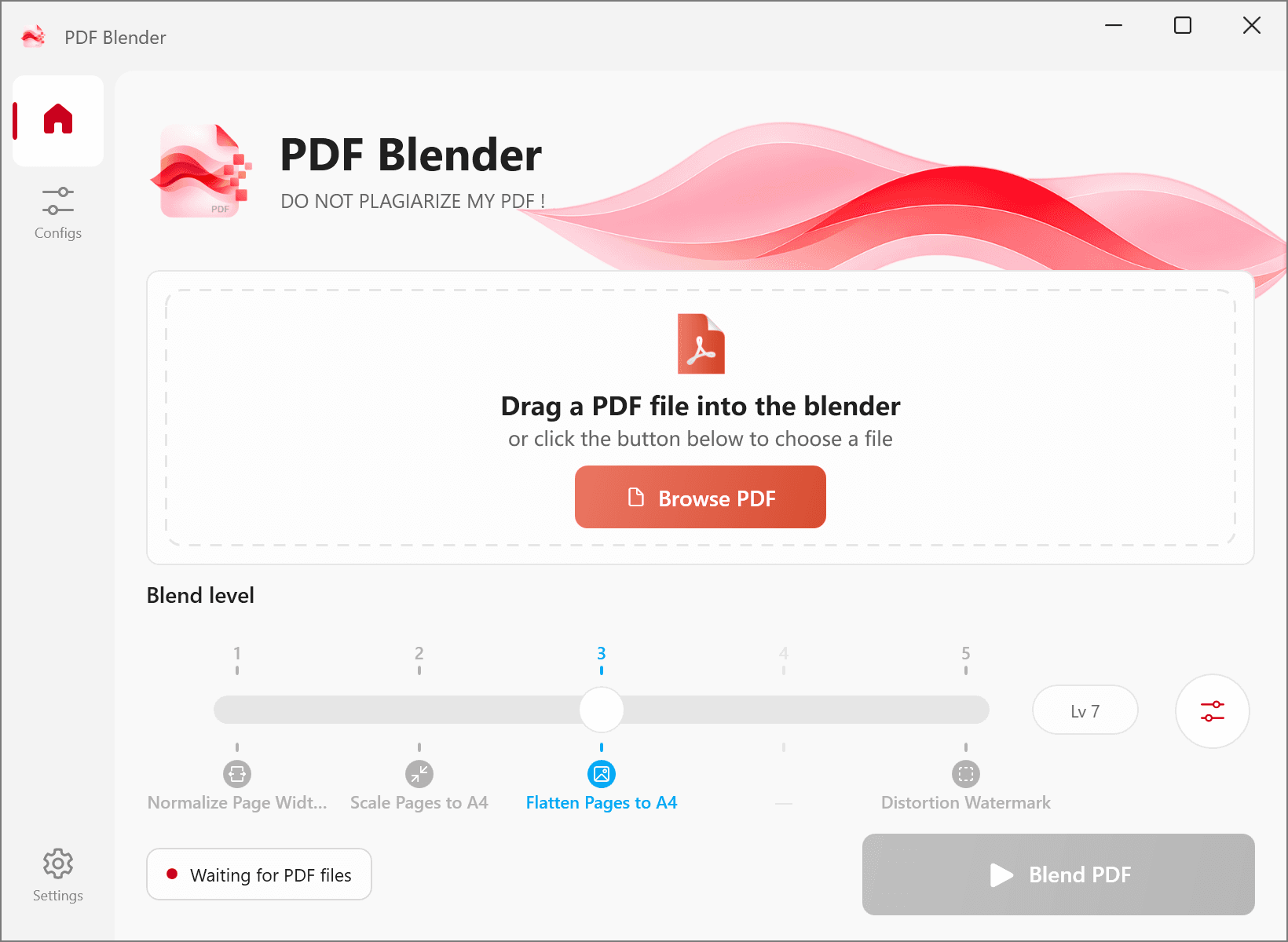
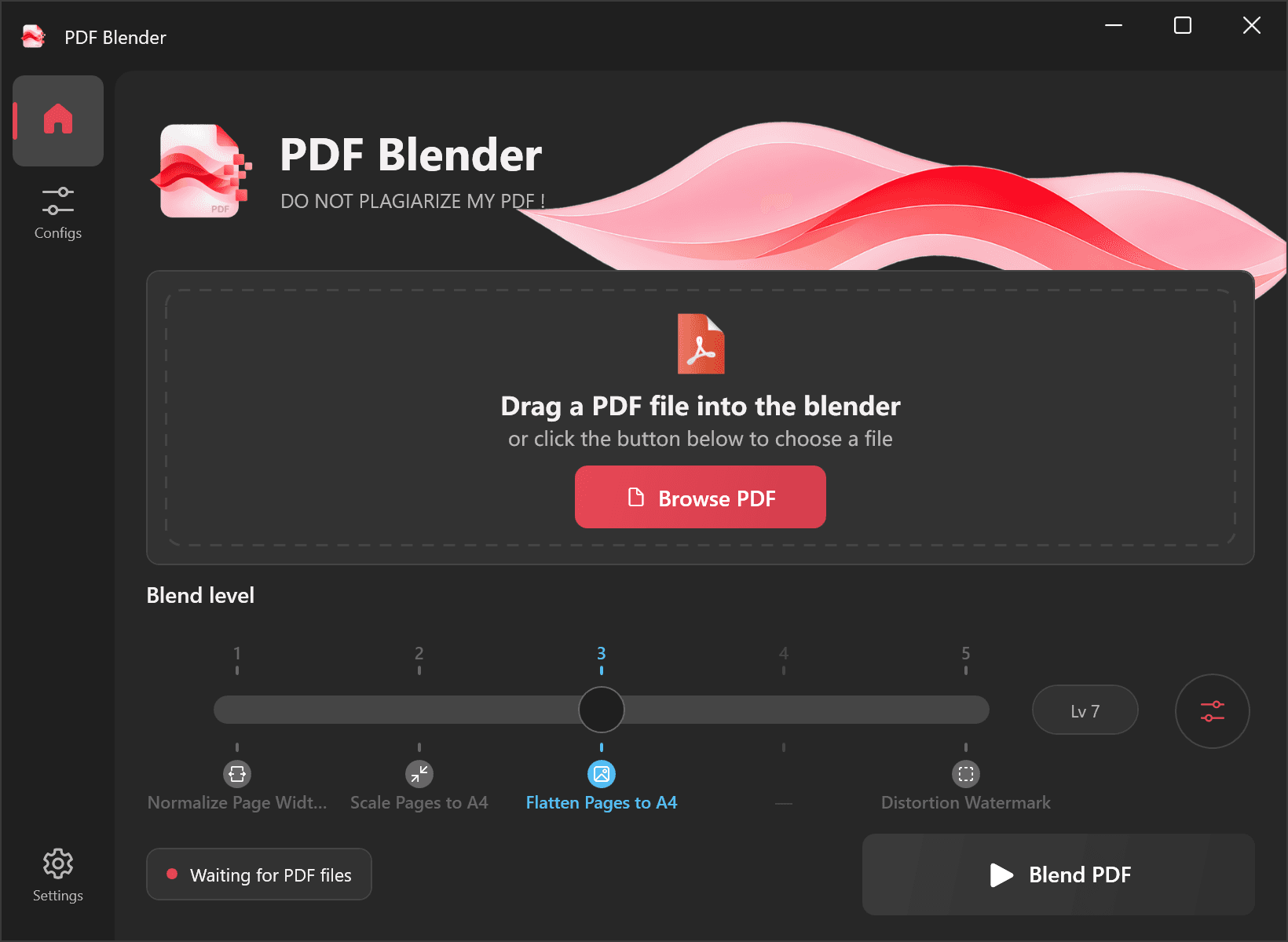
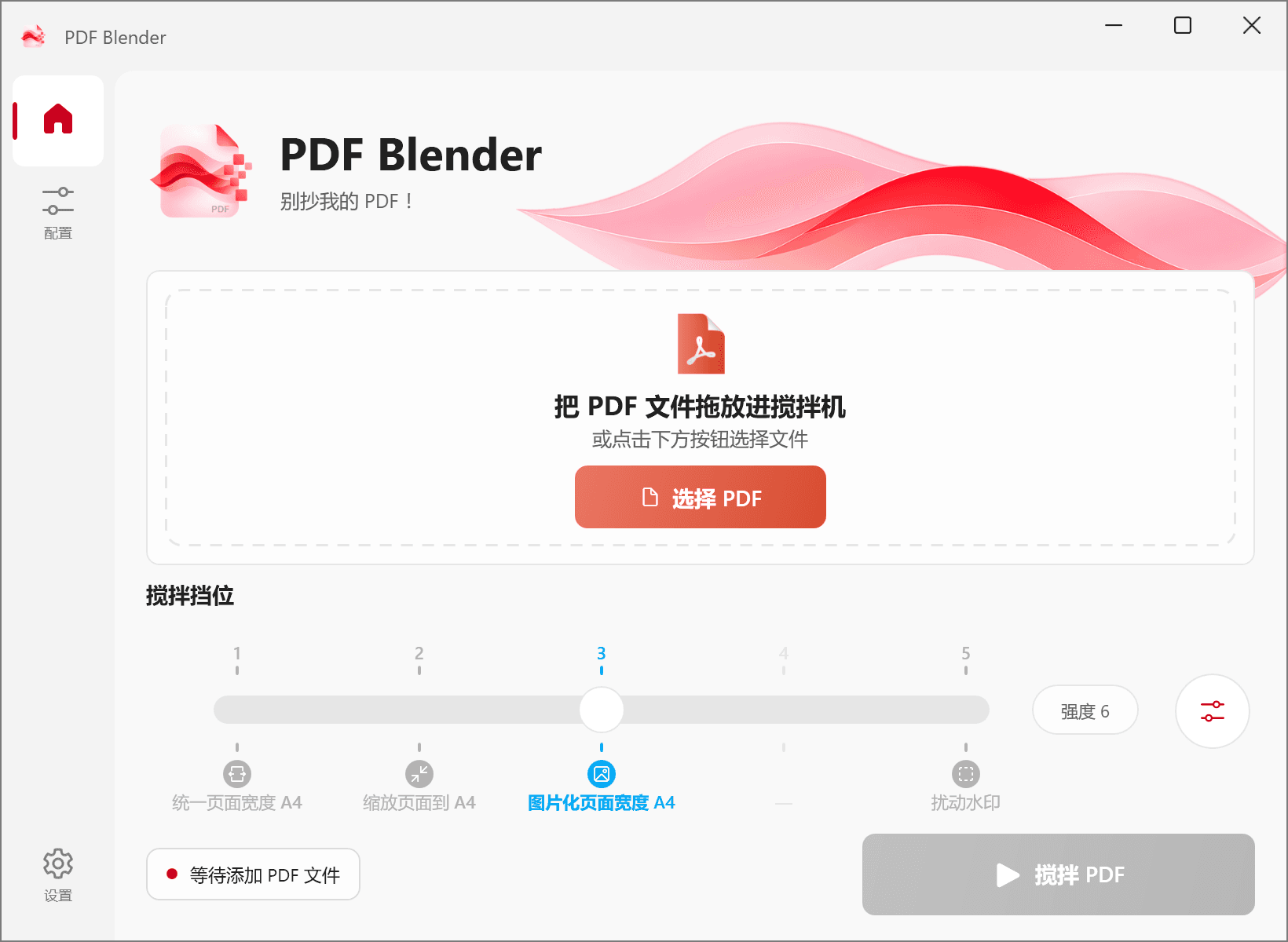
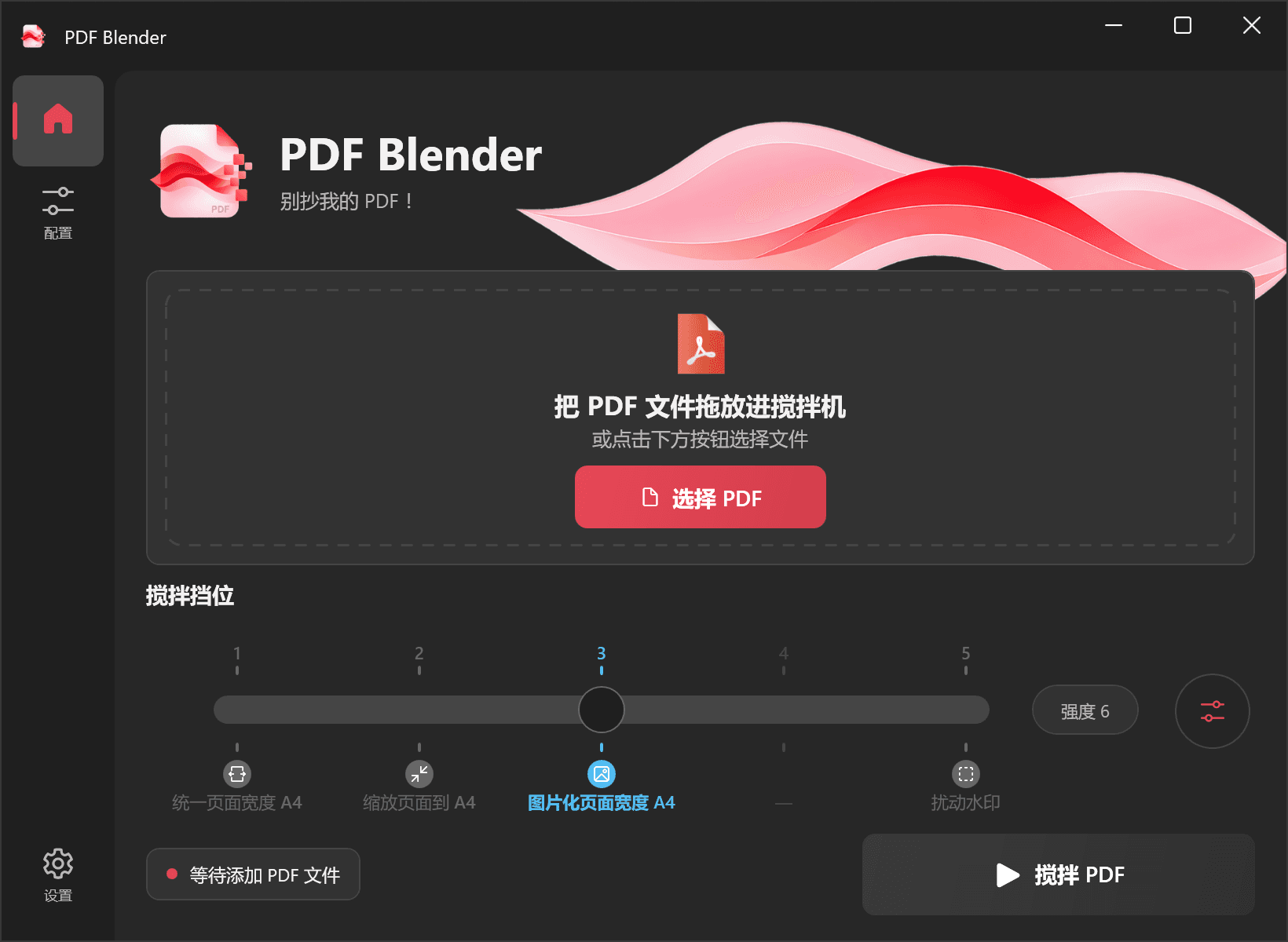
Page formatting
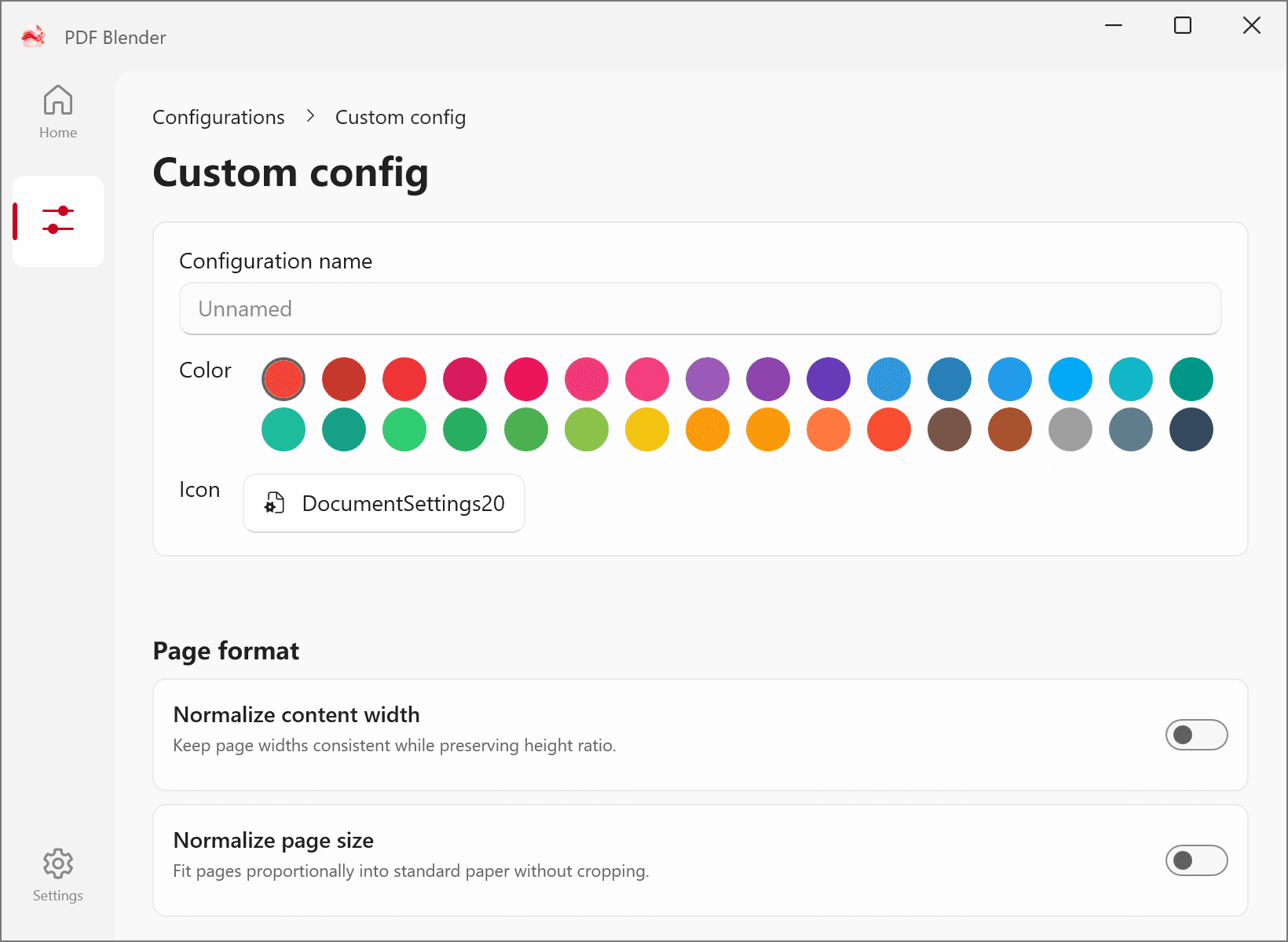
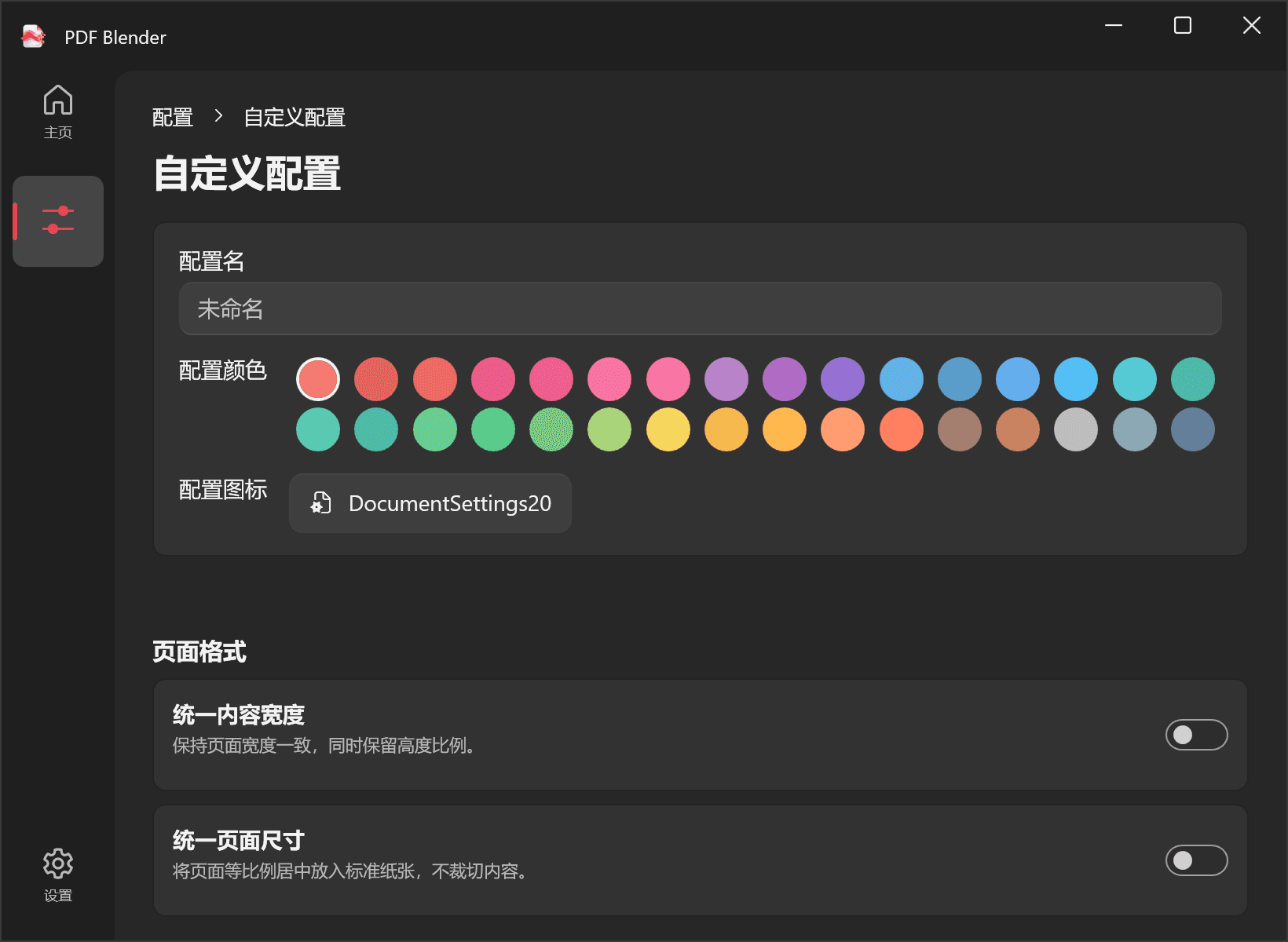
Match page widths, fit pages to A4 or use custom sizes.
Current version v1.1.2
DO NOT PLAGIARIZE MY PDF!

Features
From page formatting to copy protection, you choose what runs.
Match page widths, fit pages to A4 or use custom sizes.
Add one large watermark or a repeating pattern with your own text.
Turn pages into images and optionally replace copied text.
Add controlled image variation to complicate automated extraction.
Add author and copyright information and set reader permissions.
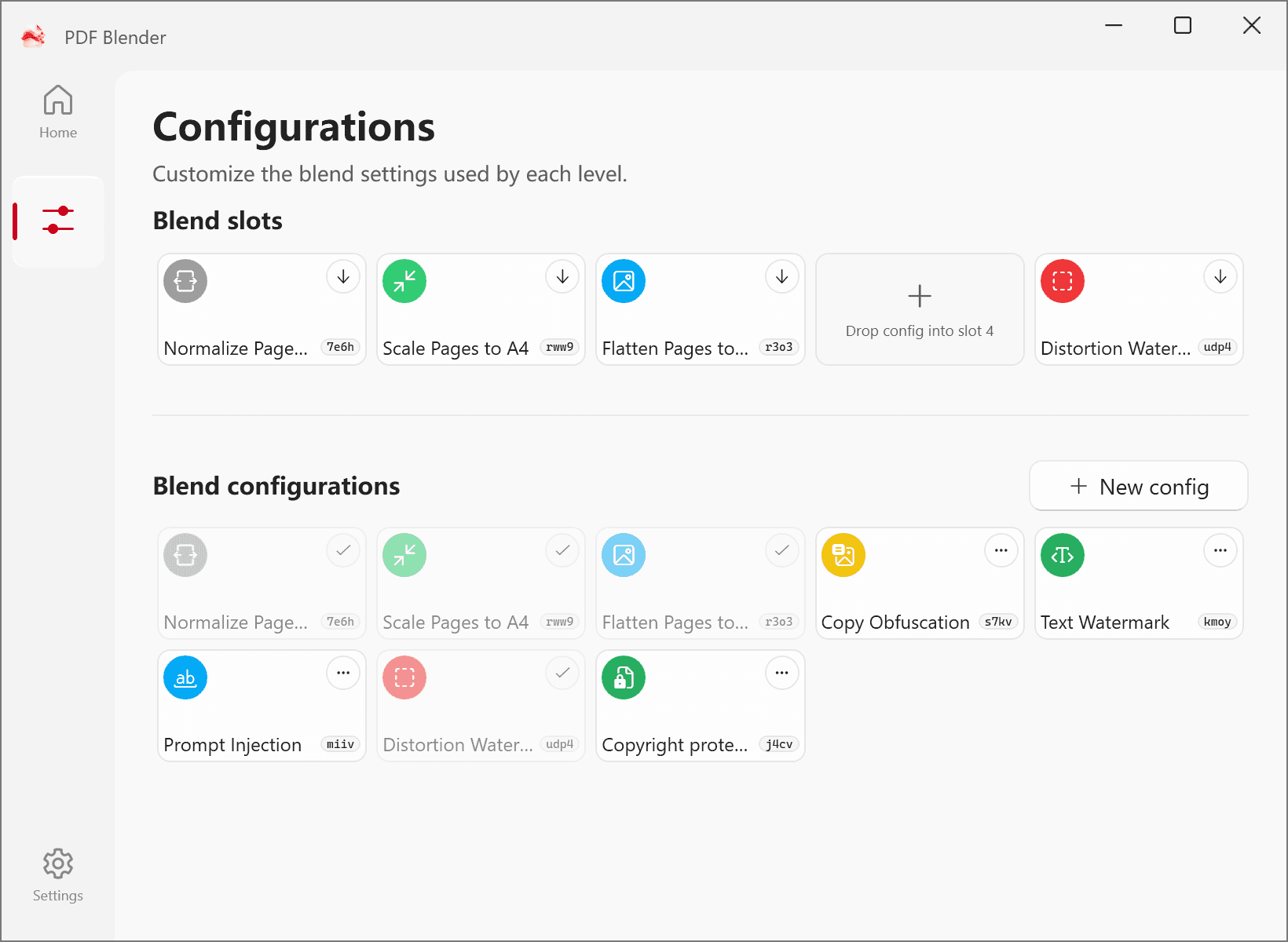
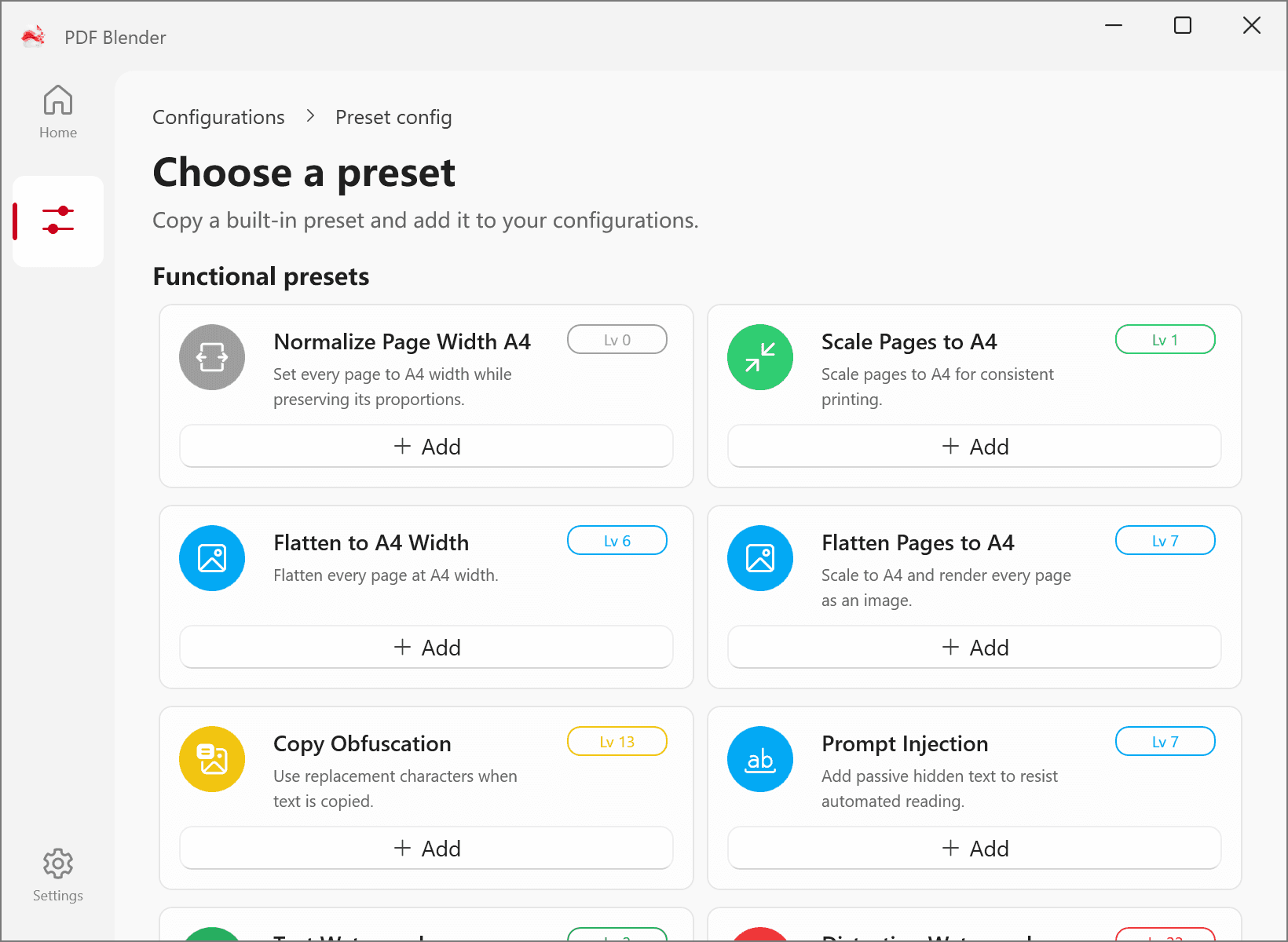
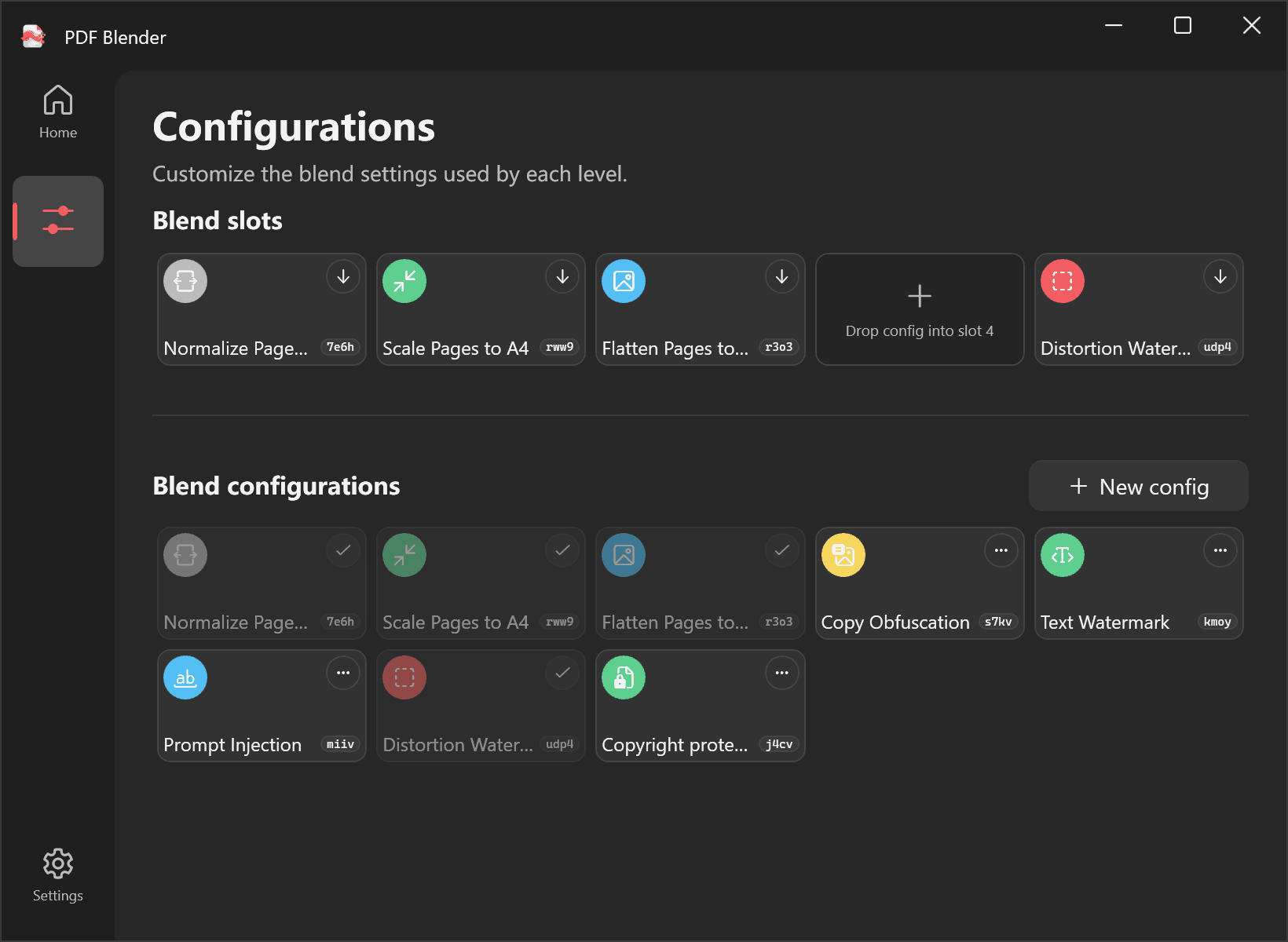
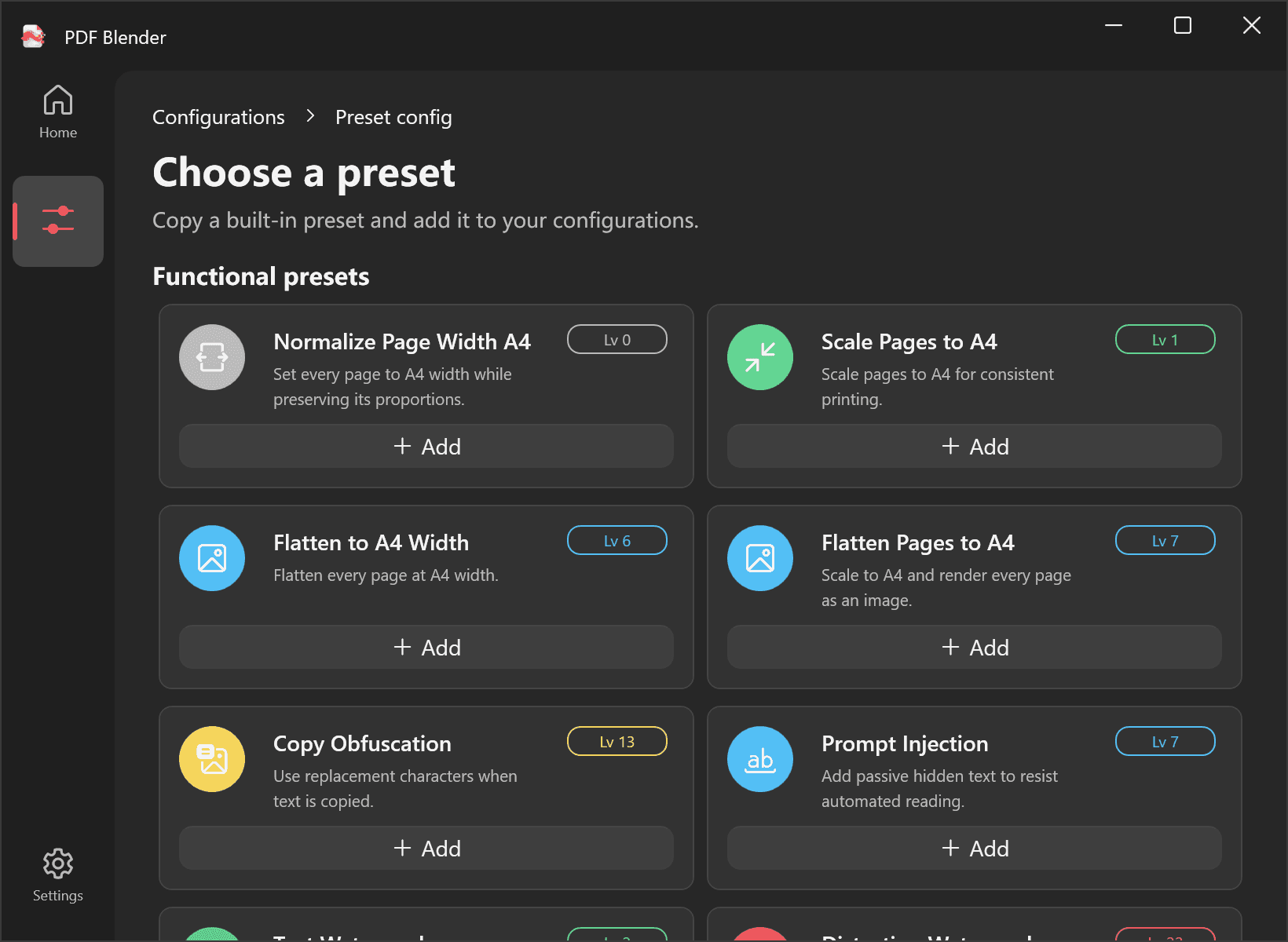
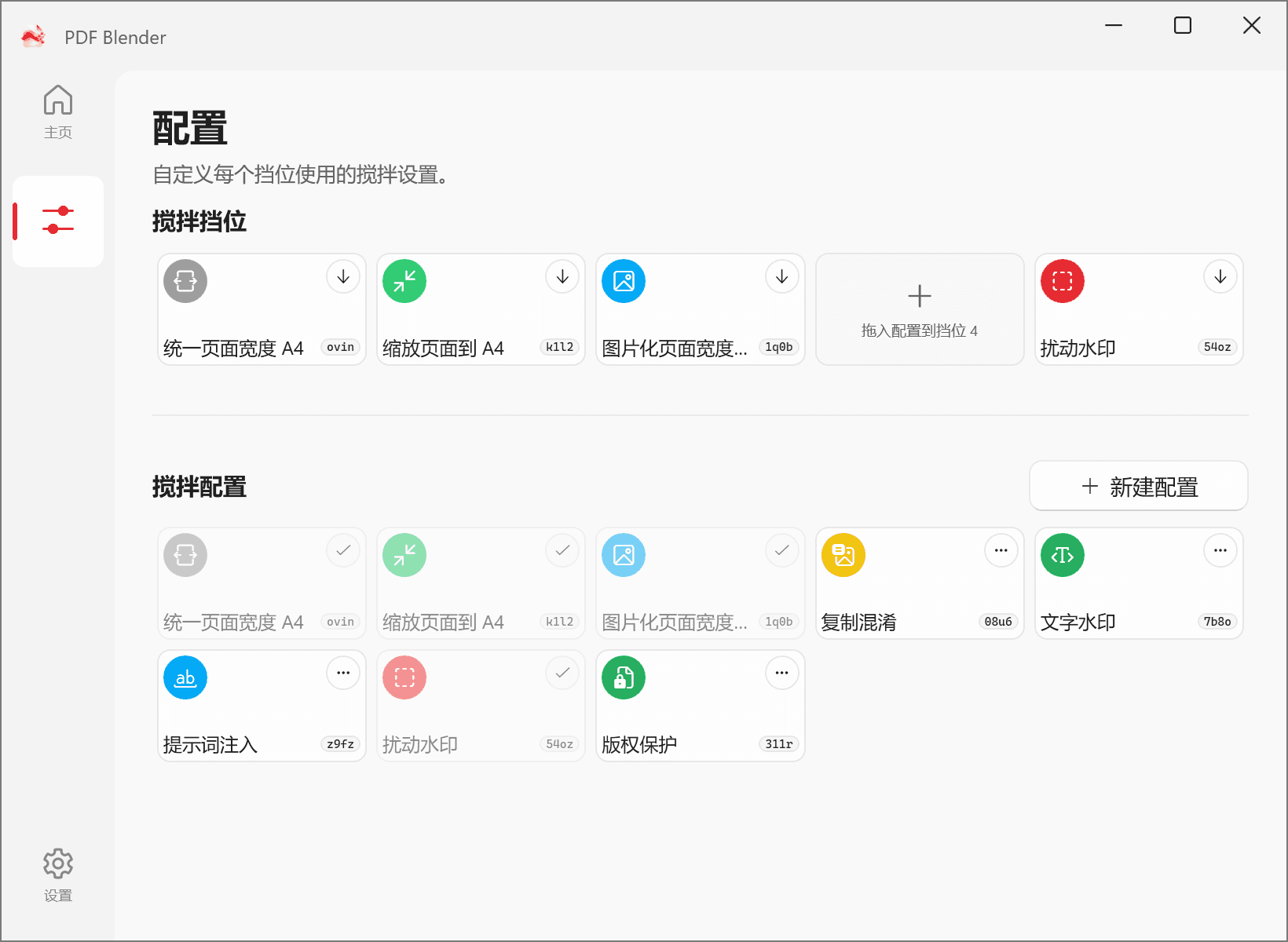
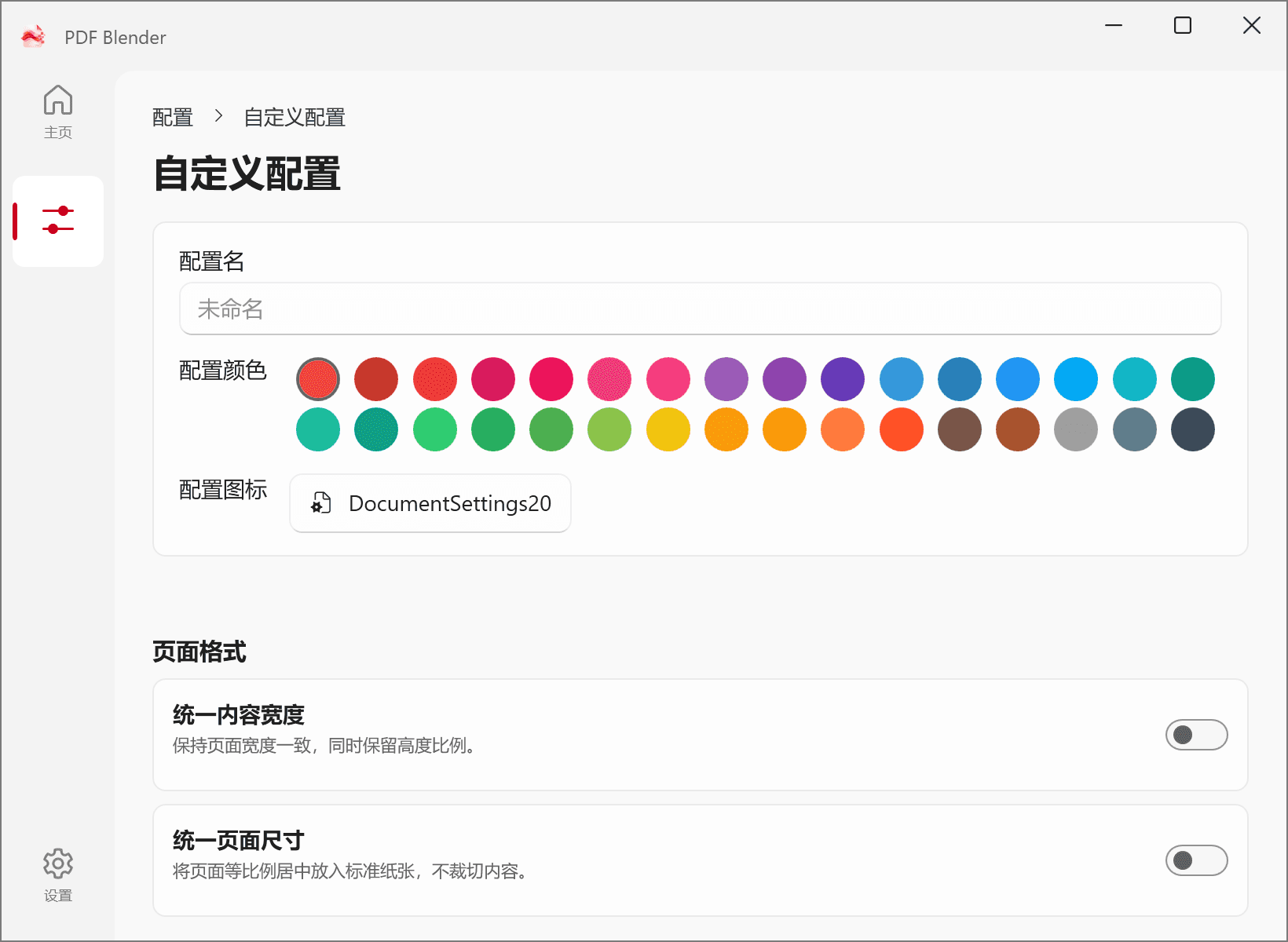
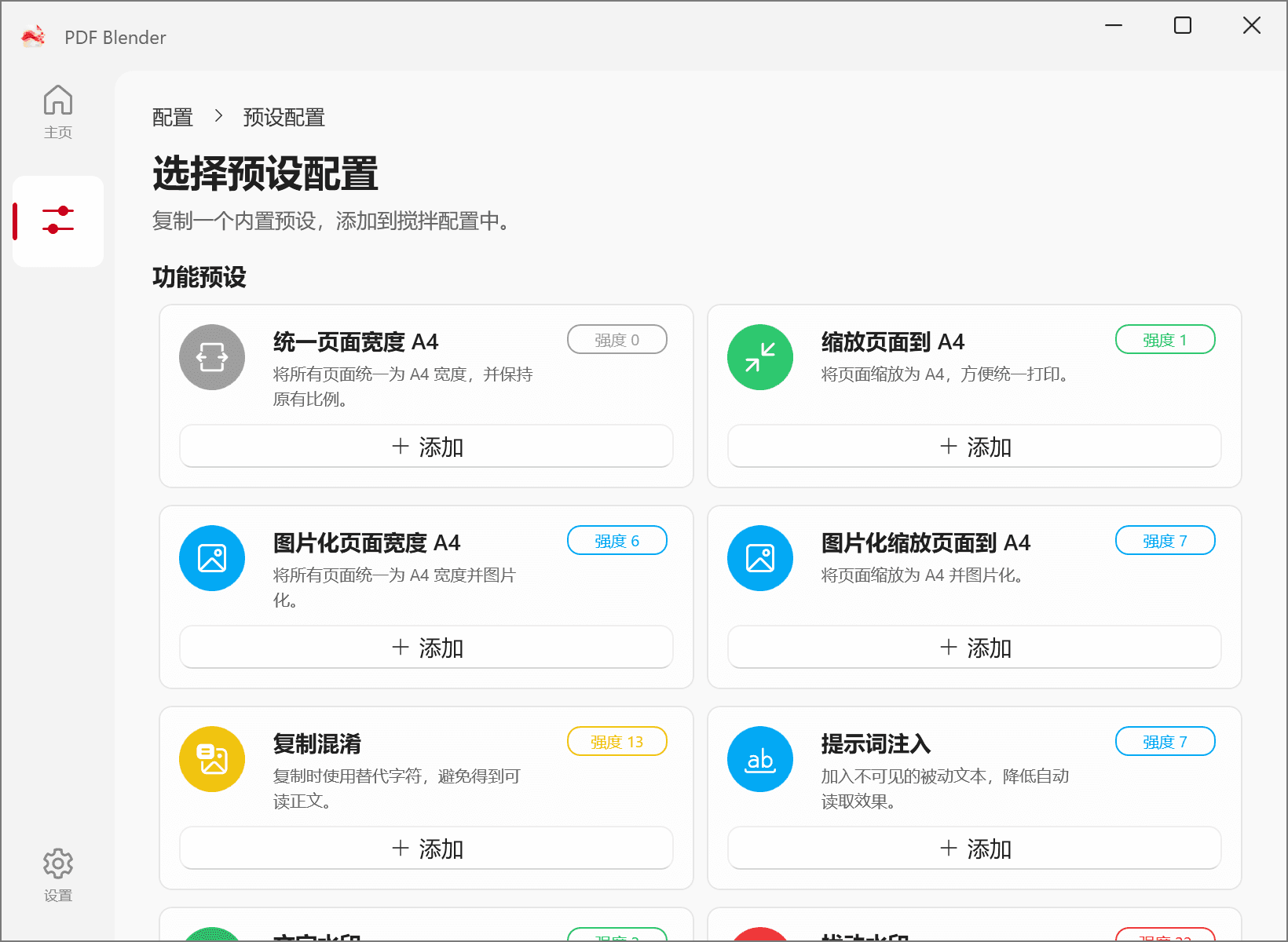
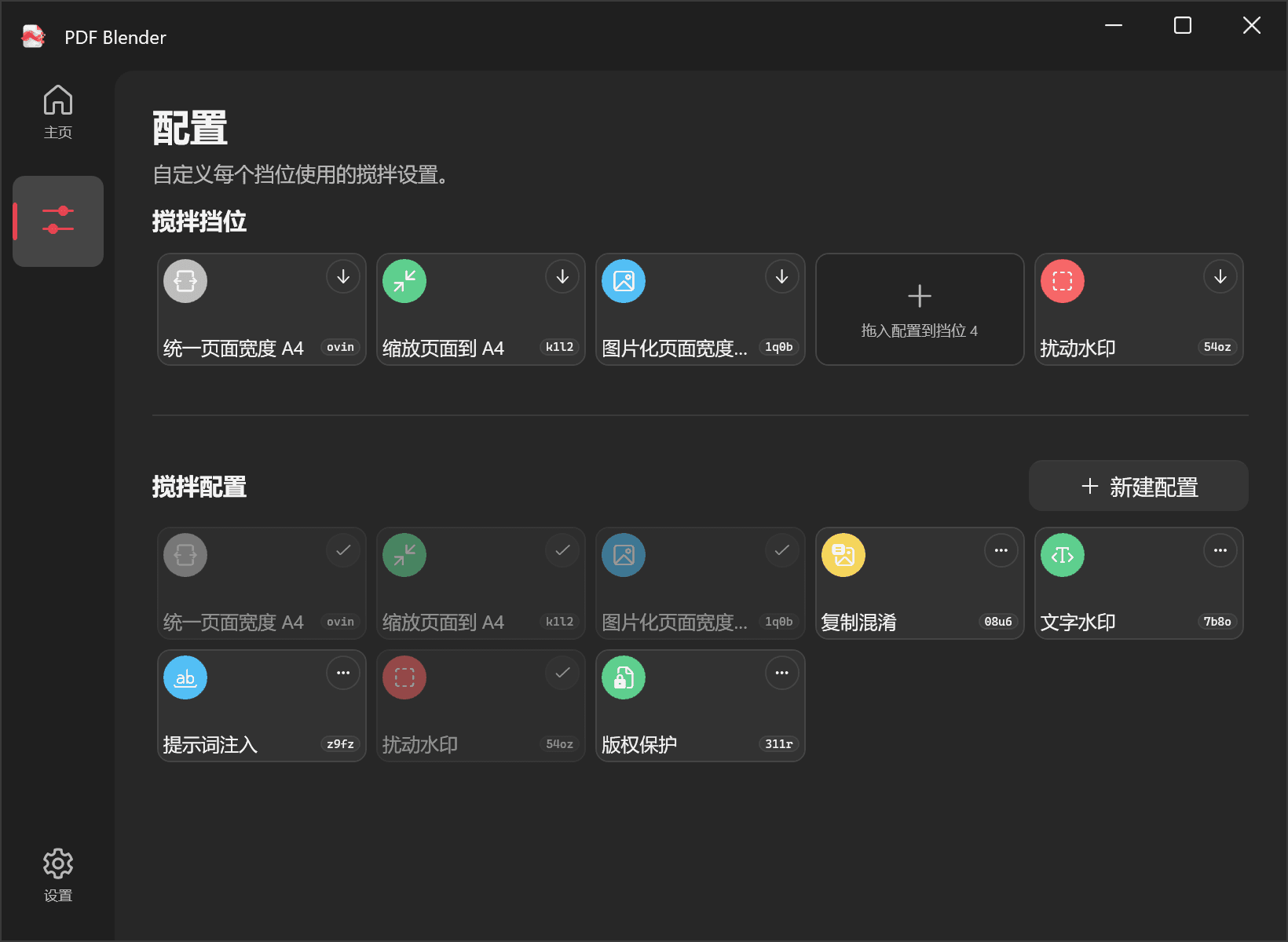
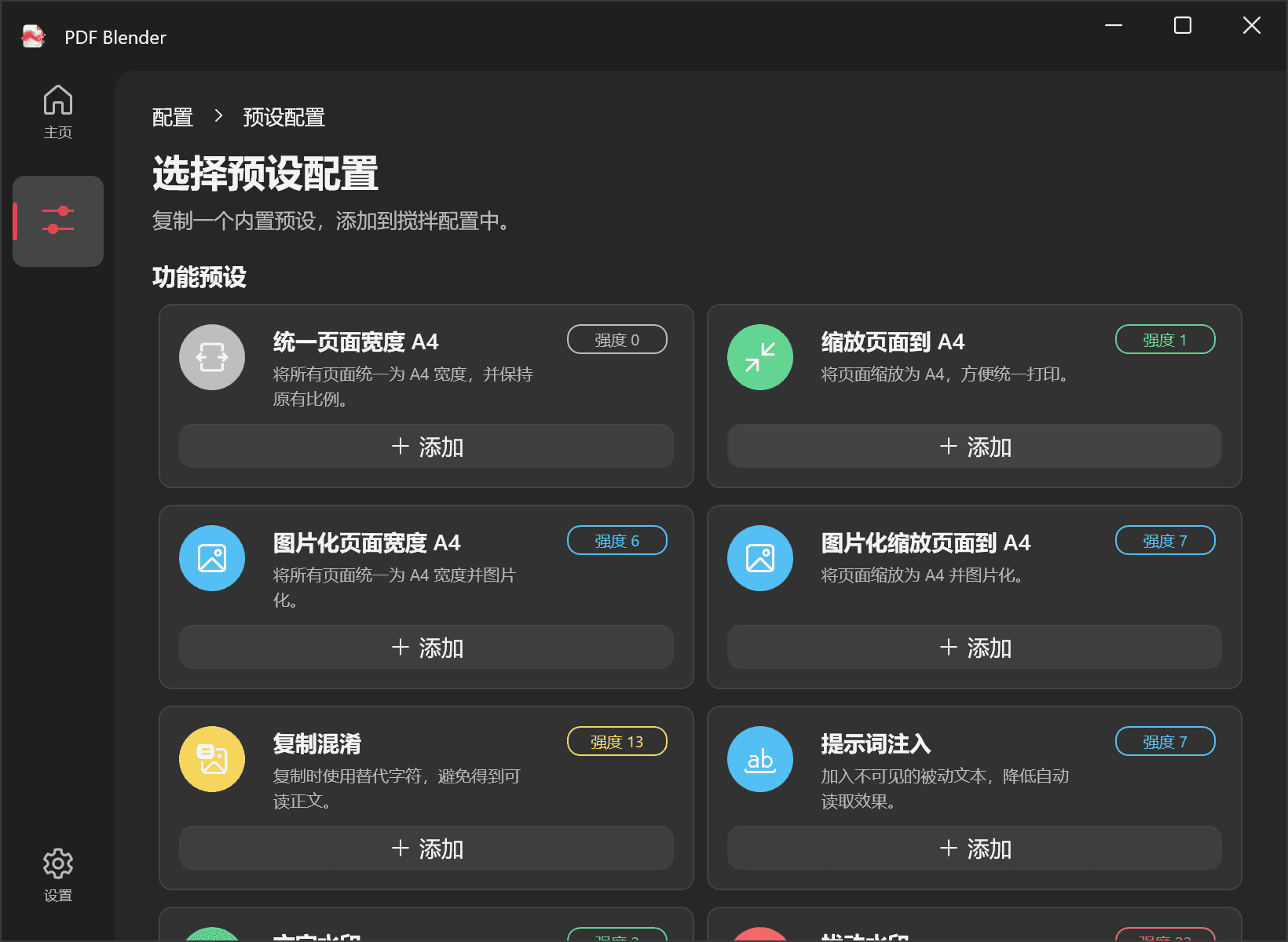
Start with a preset or build your own setup and switch between slots.
Flattening and copy protection affect search, copying and accessibility; image effects may reduce clarity. Reader permissions do not guarantee protection.
How it works
Add a preset or create your own combination of tools.
Put the config in a slot, then select or drop your PDFs.
Run the selected config and review the new files beside the originals.
Start with an empty config list. New custom configs have every feature switched off.
Build a setup that fits the document.
FAQ
Choose a config, then review the result.